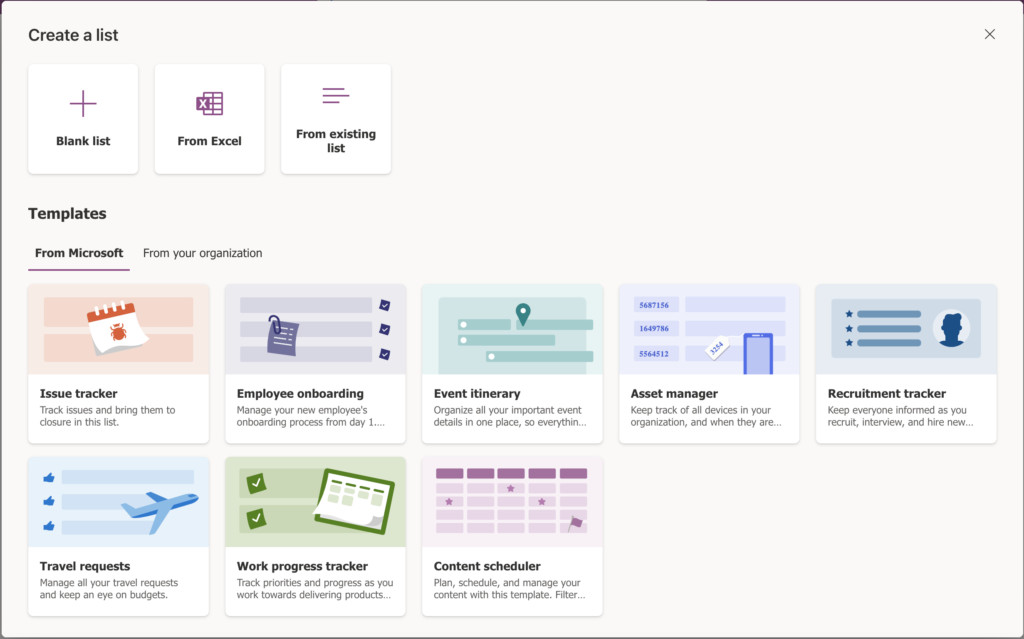

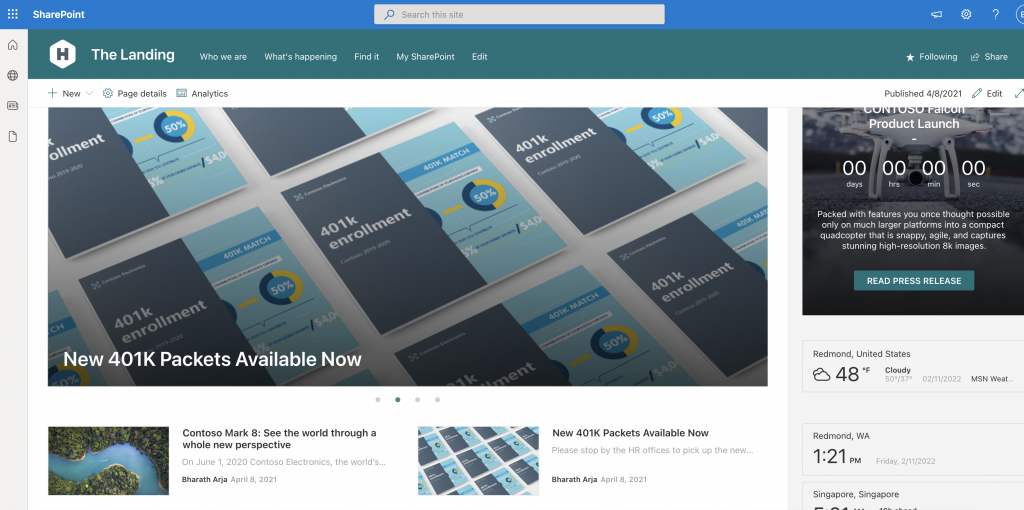
Manage Dataverse for Teams environments in Power Platform
DLP policies setup in compliance center are not applicable for PowerApps, PowerAutomate and Power Virtual agents as of this writing. Data loss policies can be setup in Power Platform admin center to manage Power platform environments setup in your tenant. DLP policies in Power platform admin center can be setup at tenant level or environment […]
Read More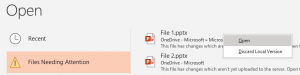
Missing Office upload center
Couldn’t find annoying Microsoft upload center anymore in your Windows machine? Good news! It is gone forever. Microsoft replaced the upload center with ‘Files Needing Attention’ experience in Office applications. What is Microsoft upload center It is the application that deals with office file uploads to cloud services like SharePoint online, OneDrive for Business and […]
Read MoreStep by step guide to configure Viva Connections
Update 09/23/2021 – Viva Connections public preview is available now. Steps defined in this article to create an LOB Teams application using PowerShell is not necessary now. Viva Connections app is available in Teams admin center. This new app replaces Step#3 & Step#4 in this article. You still has to go through the home site […]
Read More
Credentials provided for the Web source are invalid – PowerBI
Excel file in OneDrive as source for PowerBI report is a very common scenario. If you want to use an Excel file as a data source for your PowerBI report, what better place to store it rather than OneDrive or SharePoint. Here is an issue I ran into, cannot refresh the report after publishing it […]
Read MoreNot getting M365 group emails in your inbox?
Not getting M365 group emails in your inbox? Don’t worry. There is a quick fix, read on! When an M365 group is setup from Outlook, there is an option to sign up every Member to receive conversations and events in their inboxes. They can stop following this group later if they want to.During group creation […]
Read More
Cannot enable the site collection app catalog feature
Cannot enable the site collection app catalog feature in this site collection because it has not been approved by the tenant admin. If you have setup site collection app catalog in a SharePoint online site using PowerShell or PnP cmdlet’s explained in this article and run into this issue – Don’t Panic! Give it some […]
Read MoreSharePoint Online site collection app catalog
Using SharePoint Online site collection app catalog functionality SharePoint framework solutions and add-ins can now be deployed only to a particular site collection. This approach is way flexible compared to deploying all solutions in a centralized app catalog. Centrally deploying solution is visible and available on all site collections. With this new functionality apps or […]
Read More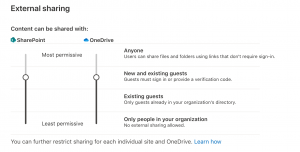
Team connected SharePoint sites default external sharing setting
Noticed a strange behavior where Team connected SharePoint sites are all defaulting to Existing guests external sharing setting. After spending some time on Internet and working with Microsoft, it is determined that this is happening because of SharePoint & OneDrive’s external sharing setting. Kind of obvious! Duh! Here is how external sharing settings for SharePoint […]
Read More